 Cimmra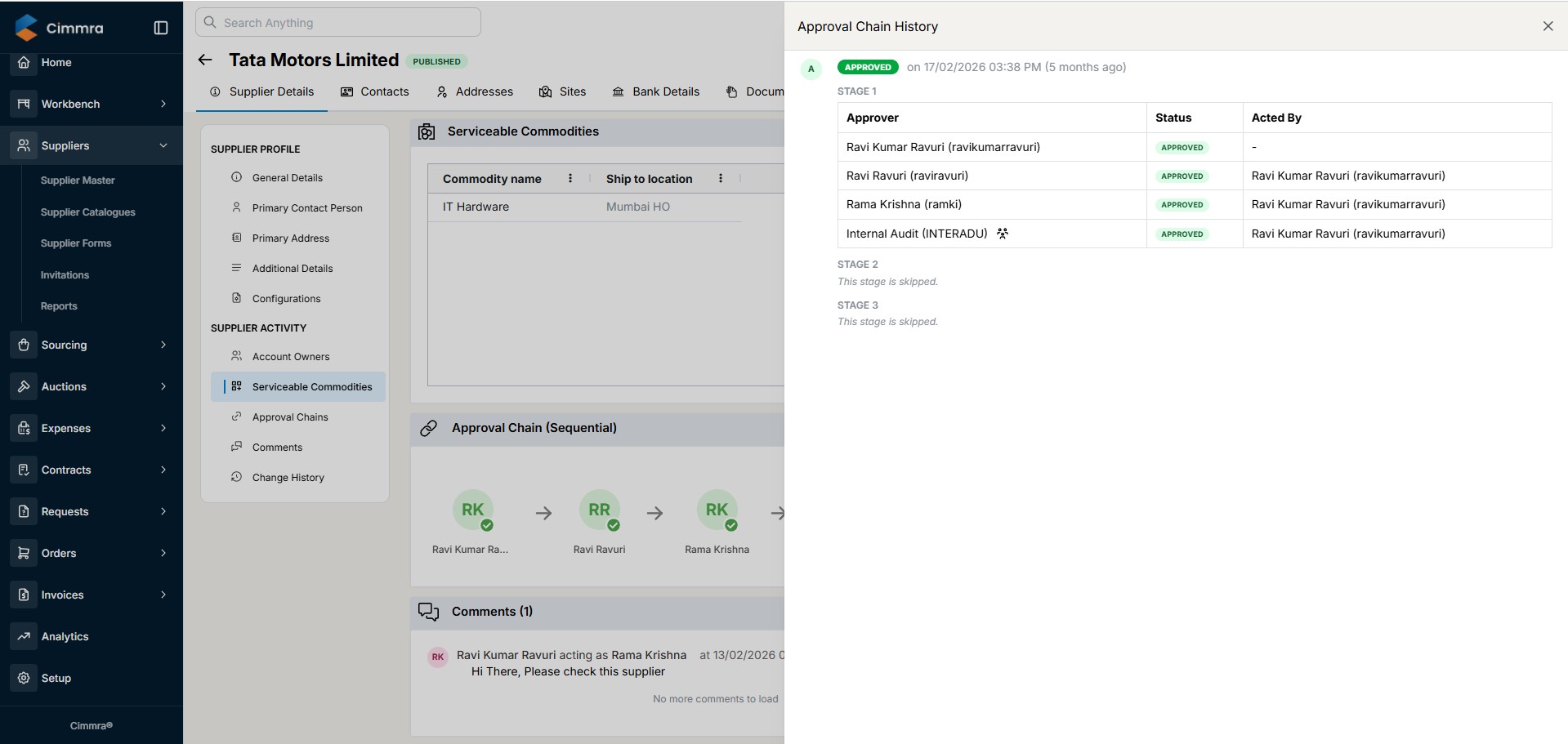
Every rupee of spend starts as a request. When requests live in email and spreadsheets, approvals depend on who answers fastest, budgets are checked after the money is committed, and nobody can reconcile what was approved against what was ordered.
Cimmra makes the purchase request the controlled front door of your spend process. Rules you define once route every request to the right approver, validate it against budget at source, and convert the approved request into a purchase order without retyping.
Rule-based routing
Requests route by value, category, project, and cost center. High-risk spend gets senior eyes; routine spend moves fast.
Multi-level approval chains
Sequential or parallel approvals with SLAs, delegation, and a complete audit trail of who approved what, when, and at what value.
Budget checks at source
Requests validate against budgets and cost centers before commitment, not after the invoice arrives.
How it works
- A requester raises a PR with line items, cost assignment, and justification.
- Rules route it through the right approval chain automatically.
- Budget and policy checks run at each step, with clear reasons on any hold.
- The approved request converts to a purchase order in one click.
Frequently asked questions
Can approval rules differ by department or category?
Yes. Routing rules combine value thresholds, categories, projects, cost centers, and organizational hierarchy, so CapEx, IT, and MRO requests can each follow their own chain.
What happens when an approver is unavailable?
SLAs, reminders, and delegation keep requests moving. Escalation rules can reroute a request if it sits beyond a defined time.
Does it work with our ERP cost centers and budgets?
Yes. Cost centers, GL accounts, and budgets sync from your ERP, and requests validate against them at the point of request.
Can requesters see the status of their requests?
Every requester sees where their request is, who holds it, and what happens next, which eliminates status-chasing emails.