 Cimmra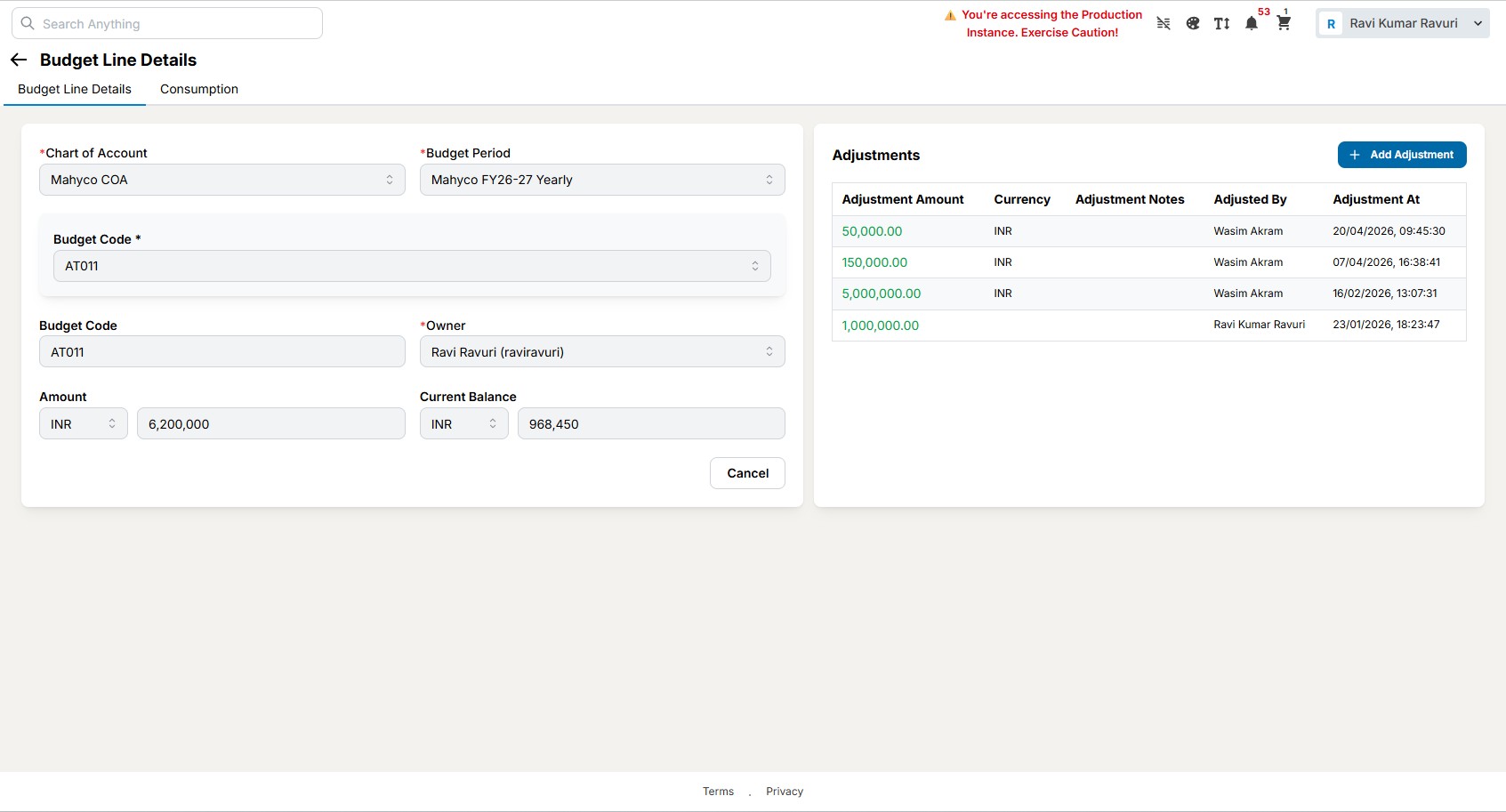
Most budget overruns are not discovered. They are committed quietly, one approved request at a time, and surface weeks later when finance closes the month.
Cimmra checks every purchase request against its budget at the moment it is raised. Requesters see what is available, approvers see what a yes costs, and finance sees committed versus consumed in real time.
Budgets by dimension
Define budgets by cost center, project, category, and period, loaded from your ERP or maintained in Cimmra.
Committed vs. consumed
Every approved request, PO, and invoice updates the budget position in real time, so the number you see is current.
Holds before overruns
Requests that exceed the remaining budget are held with a clear reason and routed for exception approval.
How it works
- Budgets load from your ERP or are defined in Cimmra by dimension.
- Every purchase request validates against the remaining budget at entry.
- Approvers see the budget impact of each decision as they approve.
- Committed and consumed positions update through PO and invoice automatically.
Frequently asked questions
Can budgets sync from our ERP?
Yes. Budgets can load from your ERP on schedule, or be defined and maintained in Cimmra where the ERP does not hold them at the needed granularity.
What happens when a request exceeds budget?
The request is held with the specific reason and routed for exception approval, so overruns become deliberate decisions rather than surprises.
Do budget checks slow requesters down?
No. The check runs instantly at entry, and requesters see the available balance before they submit, which reduces rework.
Can we track budgets by project as well as cost center?
Yes. Budgets are multi-dimensional, so a request can validate against a cost center, a project, and a category at the same time.